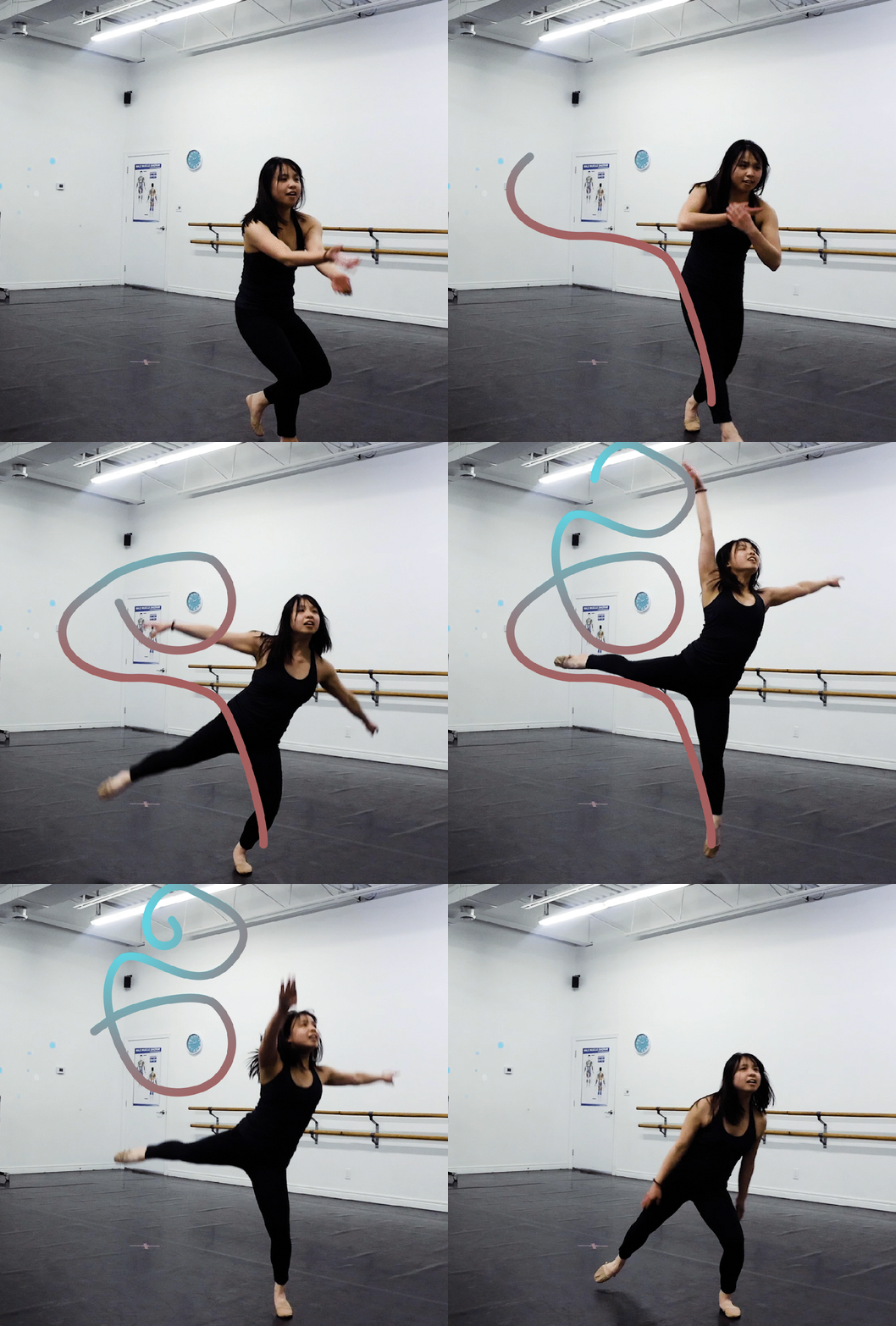


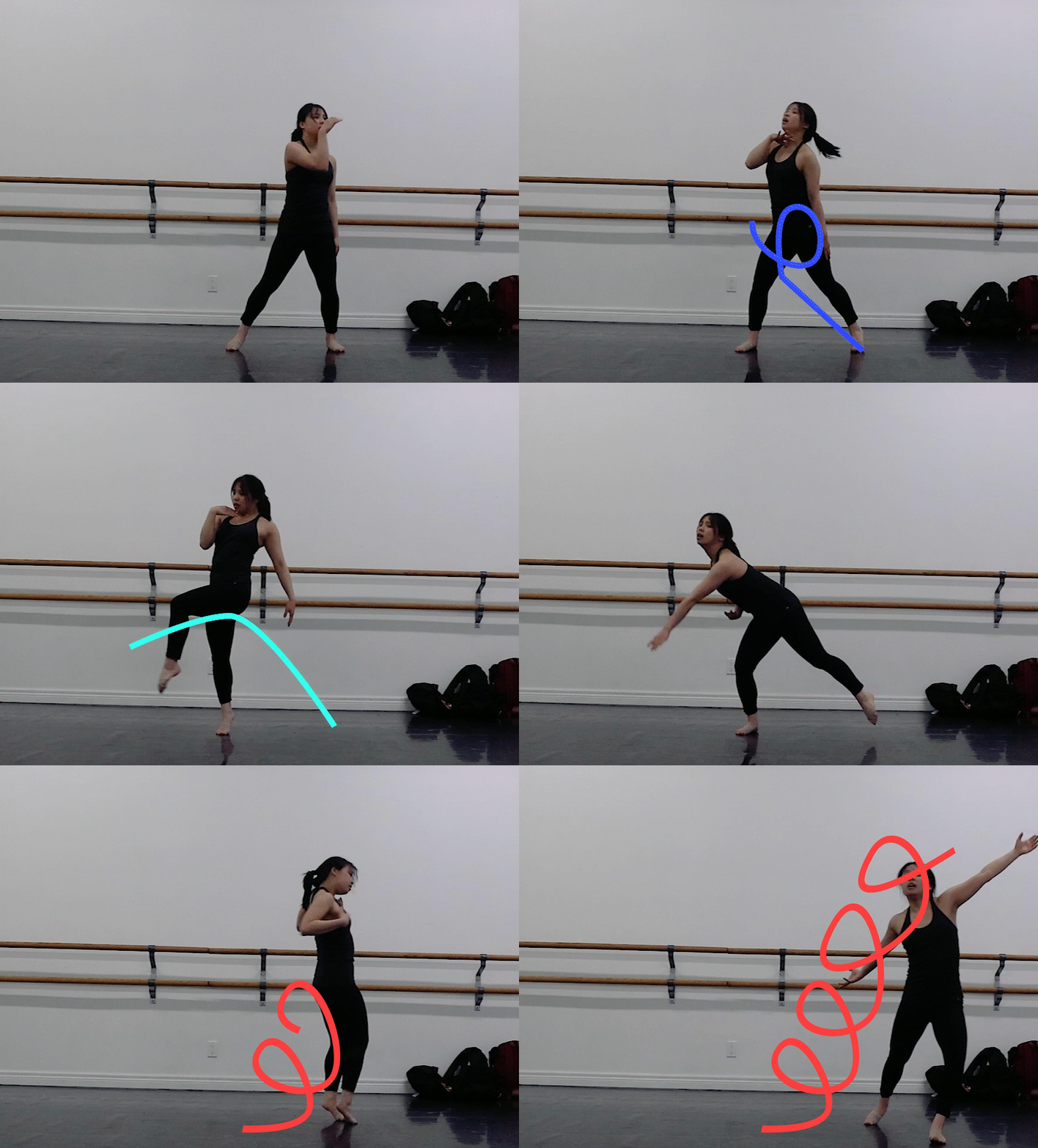

“The Creative Mesh”
Animated and Colour Graded GIFs, March 2024
Medium: Adobe Premiere Pro and Adobe After Effects
The Creative Mesh combines my love for dance with videography, video editing, and my curiousity for animating. The inspiration behind this piece were animation pieces that I found on my YouTube and Instagram feeds which follow a dancers’ movements, adding visually complexity to the creative composition. I filmed myself performing improvised movements at Infinity Dance Studio in Stratford, Canada, trimmed and edited the appearance of the video through colour grading techniques. Lastly, I watched over my selected clips movement to see what lines or animations I could add to the movements I could add. The results of my efforts were six GIFs (I didn’t want to be copyrighted by any artist I was dancing to), colour edited and layered with animations. To learn more about my creative process, check out the PowerPoint presentation I created (linked under the GIFs).
“Promise Me This”
Audio Story, February 2022
Medium: Operation of Zoom H1N Audio recorder, Assembling and Editing in Adobe Audition
I produced an audio story based off the song “Promise Me This” from the Musical “The Theory of Relativity”. I scripted, created a Production Plan, recorded using a Zoom H1N Audio recorder, assembled and edited this audio story in the audio editing software, Adobe Audition.
“Period Poverty”
Animated “Call to Action” Video, January 2022
Medium: Adobe Illustrator and Adobe After Effects
I created an animated ‘Call to Action’ video in the style of a 30 second Tik Tok/ Instagram Reels video for an organization whose mission is to combat a global/societal issue. I chose Period Poverty as my chosen global/societal issue as there are many individuals across the world who menstruate and struggle accessing the appropriate materials to have healthy and safe menstruation periods. I researched organizations that support women’s menstrual health, storyboarded visuals, created a Production and Treatment plan, created digital illustrations through Adobe Illustrator, and assembled and edited the video using Adobe Premiere Pro.
“Let’s Make a Rope Bracelet!”
Instructional Video, September 2021
Medium: Operation of a DSLR and Adobe Premiere Pro
I created a one-minute instructional video on how to make a rope bracelet. To produce this video, I storyboarded, created a Production Plan and Treatment, filmed, and edited the composition from conception.I used a Canon DSLR Camera, and the video editing software, Adobe Premiere Pro, edit and create transitions and captivating visual features such as text instructions and transitions between clips.
 Samantha Woo's Portfolio